
Download Mood Messenger – messaging app, SMS alternative, MMS app, custom chat bubbles, dark mode, encryption, dual SIM support, group chat, real-time caller ID, spam blocking, animated GIFs, call after message, PC software
Overview
Mood Messenger is a desktop messaging application developed by Mad Seven, designed to serve as an alternative to traditional SMS and MMS services. The software aims to deliver a seamless and customizable communication experience across Windows and Mac platforms. Targeted at users seeking both functionality and personal expression in their messaging, Mood Messenger supports real-time text exchange, multimedia sharing, and voice calling.
Its core purpose is to streamline communication by combining text, media, and calling features into a unified interface, suitable for both personal and professional use. The app enables users to manage multiple contacts with individualized settings, including custom chat bubbles, colors, fonts, and notification preferences. It also includes features like dark mode for low-light environments, real-time typing indicators, and support for animated GIFs and emojis.
For enhanced privacy, the application incorporates encryption to protect conversations. The developer did not provide additional details about the company background or broader product ecosystem. Real-world usage scenarios include daily personal communication, remote work coordination, and managing dual SIM devices on a single desktop.
The software appears tailored for users who prioritize customization and privacy in their digital interactions.
Key Features & Capabilities
- Custom Chat Bubbles and Themes: Users can personalize chat windows by assigning unique shapes, colors, and background designs to individual contacts, enhancing visual identification and personal expression.
- Dark Mode: A built-in dark mode improves readability and reduces eye strain during nighttime or low-light usage, contributing to a more comfortable user experience.
- Real-Time Caller ID: The app displays caller information in real time, helping users quickly identify incoming calls and manage communications efficiently.
- After Call Screen: After a call ends, users can instantly send a follow-up message, streamlining post-call communication and improving workflow continuity.
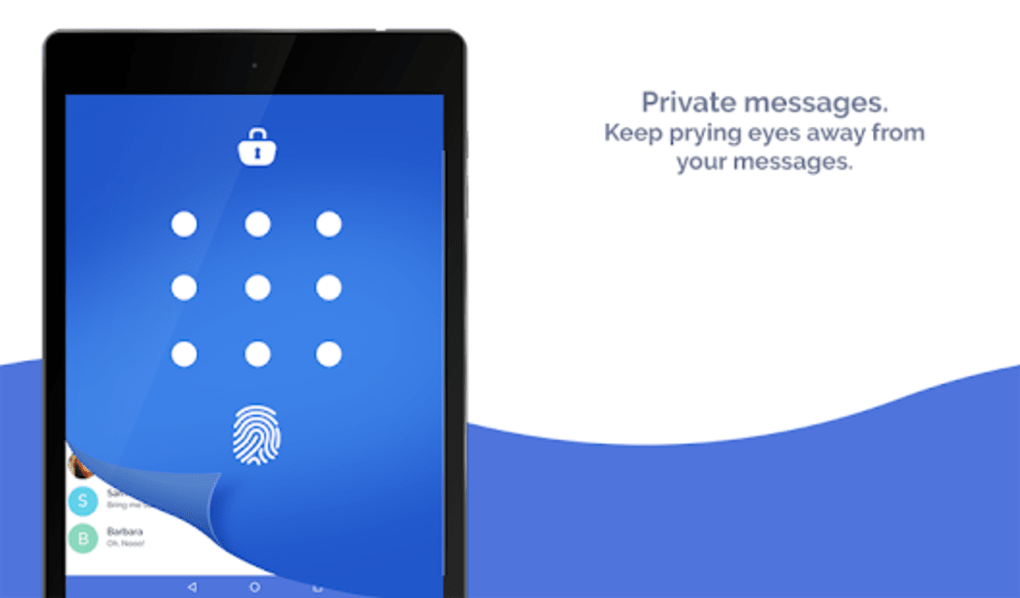
- Encryption for Privacy: Conversations are protected through built-in encryption, ensuring that messages remain secure and private from unauthorized access.
- Spam Blocking and Blacklisting: Users can block unwanted contacts to prevent spam or unwanted messages, improving message hygiene and security.
- Dual SIM Support: The application supports simultaneous use of two SIM cards, enabling users to manage multiple phone numbers from a single desktop interface.
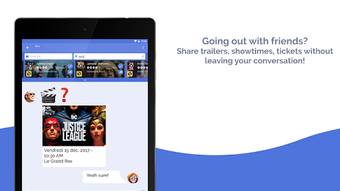
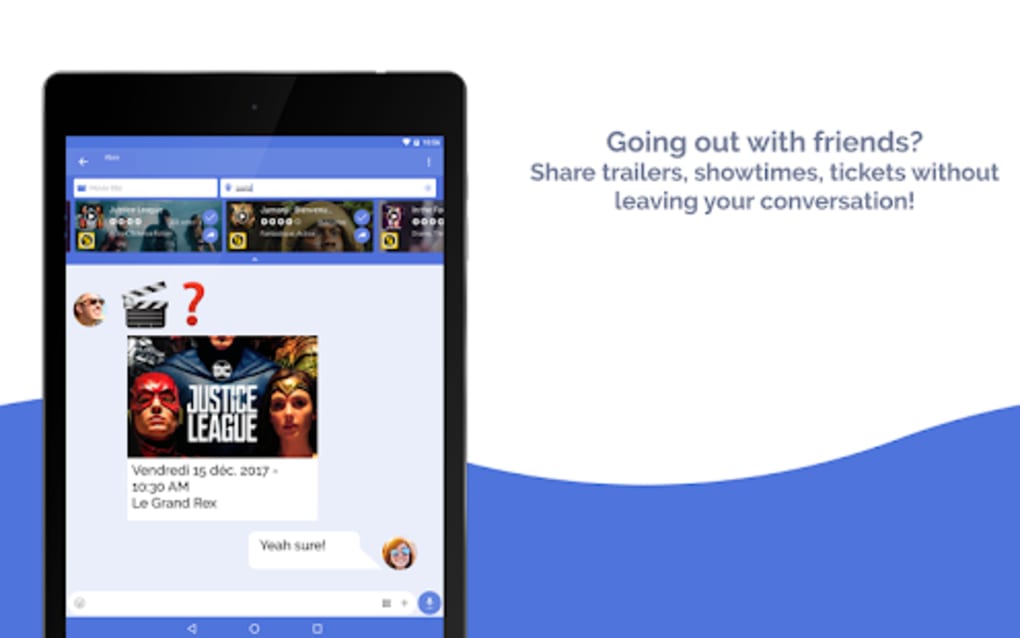
- Group Chat and Multimedia Sharing: Mood Messenger allows hosting group conversations and sending photos, videos, and animated GIFs, facilitating richer, more dynamic exchanges.
- Customizable Notifications: Users can adjust light patterns, sounds, vibrations, and notification formats per contact, enabling tailored alert systems.
User Interface, Workflow & Performance
The user interface of Mood Messenger is described as clean and intuitive, designed to support efficient navigation and quick access to core features. The layout prioritizes readability and visual clarity, with clearly labeled sections for messages, contacts, and settings. Navigation appears to be straightforward, allowing users to switch between conversations, initiate calls, and access customization options with minimal steps.
The workflow is optimized for real-time interaction, with typing indicators and immediate message delivery. The developer did not specify resource usage details, so exact performance metrics such as CPU or RAM consumption remain unknown. General software behavior patterns suggest stable operation under typical desktop conditions, though actual performance may vary based on system configuration.
Stability during prolonged use and background operation was not documented. No information was provided about update frequency or background processes. The app’s responsiveness and smoothness during messaging and calling tasks are assumed to be consistent with standard desktop applications, but verified benchmarks were not available.
Users should expect a standard desktop experience with no reported lag or crashes in the provided information.
Compatibility & System Requirements
Mood Messenger is available for both Windows and Mac operating systems, supporting users across major desktop platforms. The software version is listed as 1.0.1, with an installation size of 50.2 MB. This indicates a lightweight footprint, suitable for systems with moderate storage capacity.
The developer did not provide detailed system requirements, such as minimum processor speed, RAM, or disk space. As a result, exact hardware compatibility cannot be confirmed. Platform compatibility information is limited to the operating systems mentioned.
No mention was made of specific versions of Windows or macOS, nor were there details on required graphics drivers or network dependencies. The developer did not specify whether the application requires an internet connection for core functionality or if certain features are offline-capable. Users should verify compatibility with their specific system setup before installation.
The software is designed for desktop use, suggesting it is not intended for mobile devices.
Pros and Cons
Pros
- Offers extensive customization for chat bubbles, themes, fonts, and notification settings.
- Includes dark mode for improved visibility in low-light environments.
- Supports dual SIM functionality for managing multiple phone numbers.
- Provides encryption to secure private conversations.
- Features real-time caller ID and After Call Screen for efficient call management.
- Enables group chats and multimedia sharing, including GIFs, photos, and videos.
- Has a clean, user-friendly interface suitable for both personal and professional use.
- Includes spam blocking to enhance message security.
Cons
- Exact system requirements were not specified, which may affect compatibility verification.
- Performance data, including CPU and RAM usage, was not provided.
- Price point of $29.99 may be considered high for a messaging tool without additional enterprise features.
- No information on update frequency or long-term maintenance plans.
- Developer background and company details were not disclosed.
- Offline functionality or local data storage practices were not mentioned.
FAQ Section
Is Mood Messenger compatible with Windows and Mac?
Yes, Mood Messenger is designed to run on both Windows and Mac operating systems.
Does Mood Messenger support dual SIM phones?
Yes, the application supports dual SIM functionality, allowing users to manage two phone numbers from a single desktop interface.
Is the software secure? Does it use encryption?
Yes, Mood Messenger includes encryption to protect user conversations and ensure private communication.
Can I customize the appearance of my chat windows?
Yes, users can customize chat bubbles, colors, fonts, background themes, and notification settings per contact.
Is an internet connection required to use Mood Messenger?
While the developer did not specify, messaging, calling, and real-time features likely require an active internet connection.
Final Thoughts
Mood Messenger presents a compelling desktop alternative to traditional SMS and MMS services, combining robust communication tools with a high degree of personalization. Its support for dual SIM, encryption, group chats, and customizable interfaces makes it a strong candidate for users who demand both functionality and aesthetic control. The inclusion of features like real-time caller ID and After Call Screen enhances its utility for professional and frequent communicators.
While the lack of detailed system requirements and performance data limits full assessment, the app’s clean design and focus on privacy and customization are notable strengths. The $29.99 price tag may be a consideration for casual users, but professionals and power users seeking a feature-rich messaging platform may find the investment justified. Overall, Mood Messenger stands out as a well-rounded, privacy-conscious desktop messaging tool.
Download Mood Messenger now.





.png)

